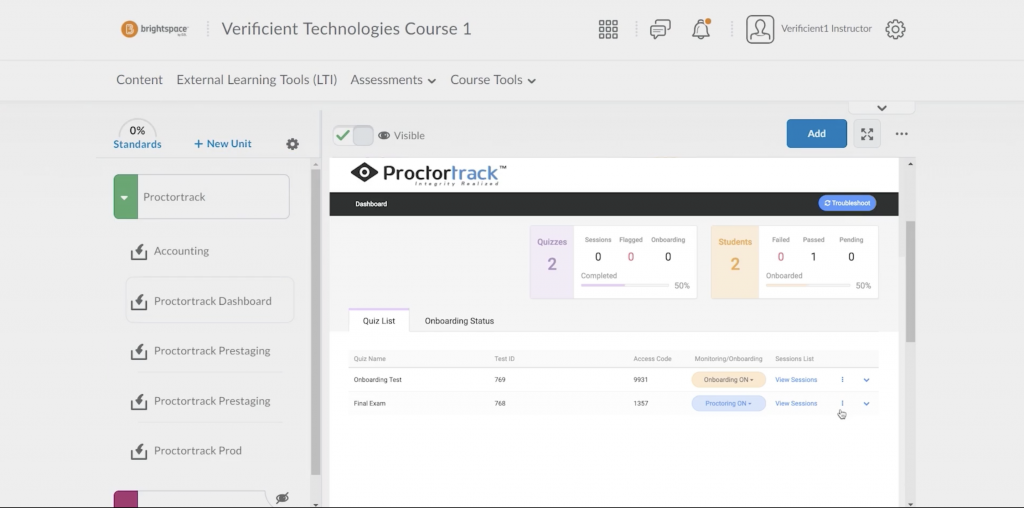
Brightspace/D2L
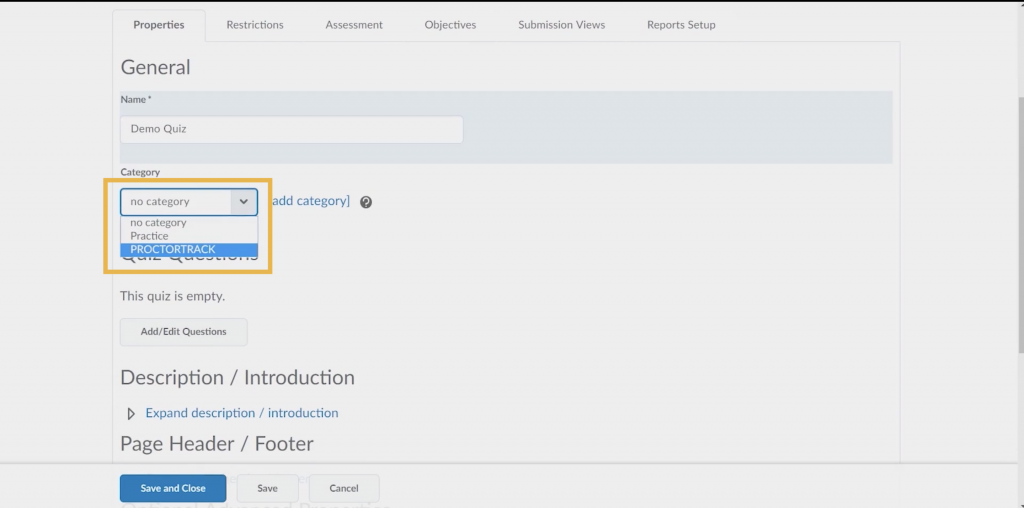
- From within your exam settings, add Proctortrack as a category. Save and close.
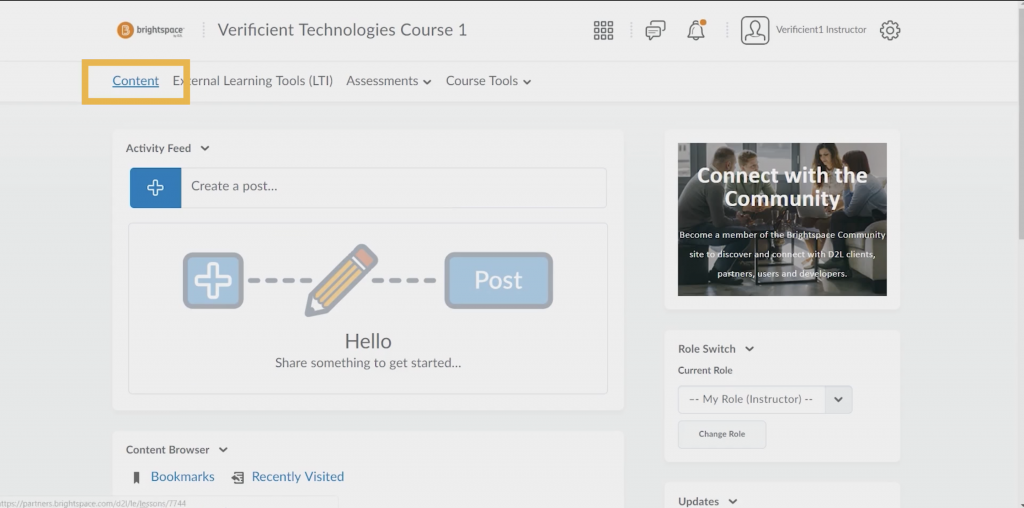
- Navigate to the main “Content” tab within your course.
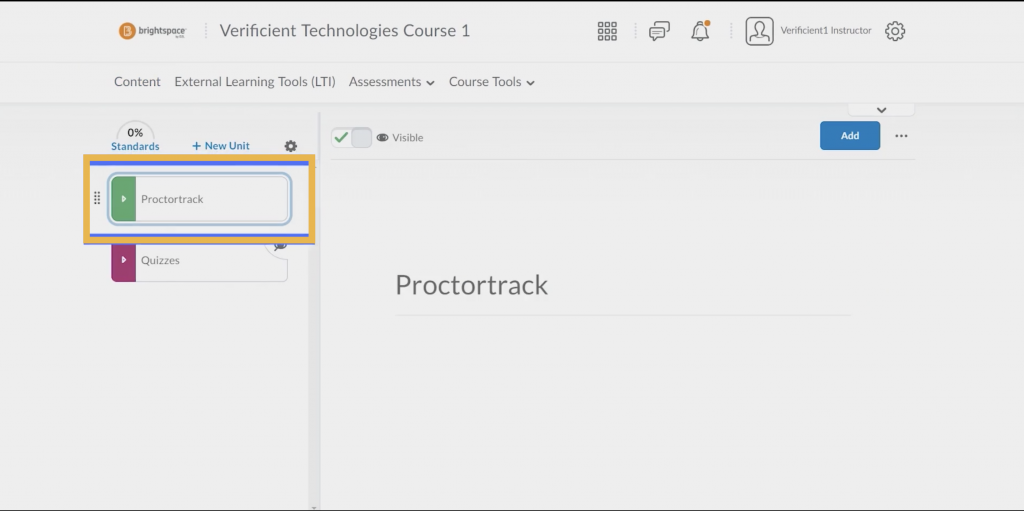
- Select “Proctortrack” in the left-hand toolbar.
- The Proctortrack dashboard will appear. Ensuring that Proctoring is set to ON in the Monitoring/Onboarding column.